
The screen printing artwork requirements are straightforward: send editable vector artwork, define every print color, convert fonts to outlines, show final dimensions and separate cut, hole and window geometry. Raster images should normally be at least 300 ppi at final size; screenshots and low-resolution logos are reference files, not production artwork.
For an accurate quotation, the artwork file is only one part of the submission. The printer also needs the material, finished size, print area, colors, quantity and end-use environment. XYW can review these items before sampling through its screen printing services.
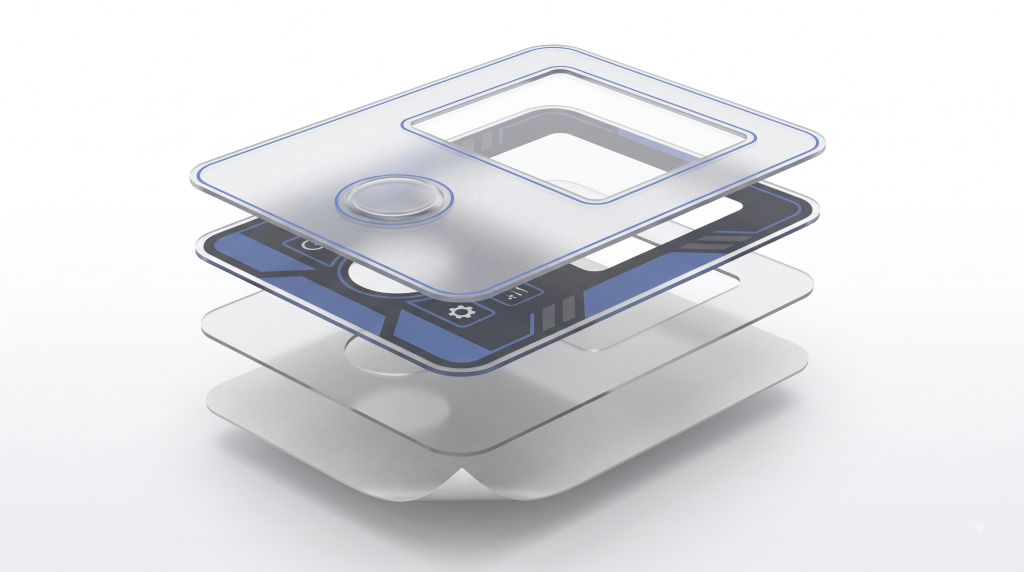
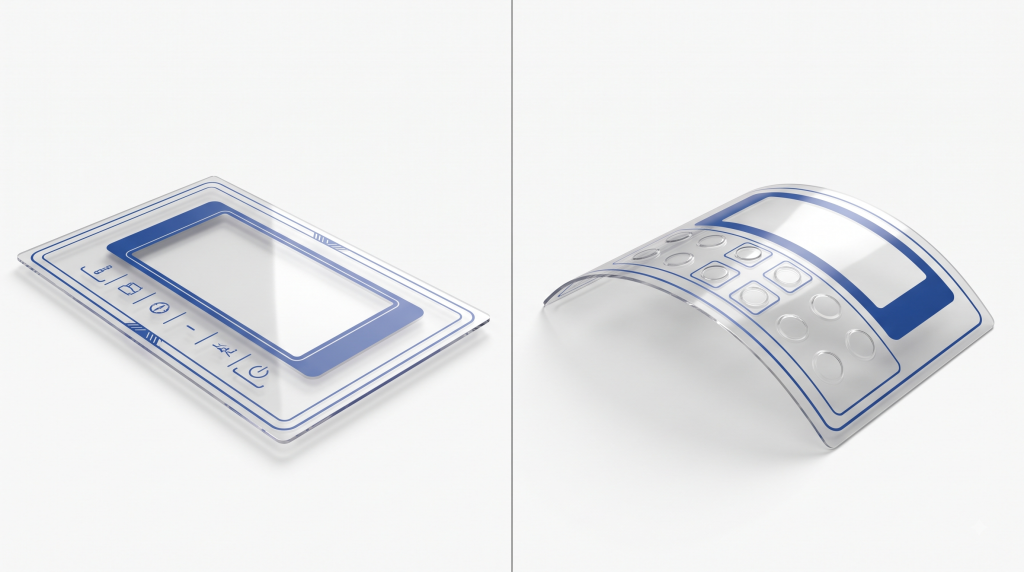
Screen Printing File Requirements at a Glance
Before sending a file, check that it includes:
- Artwork at 1:1 scale with units clearly stated.
- Editable vector logos, text and line graphics whenever available.
- All fonts converted to outlines, with an editable backup retained.
- Named spot colors or an agreed Pantone, RAL or physical color reference.
- Raster images at the final print size and suitable resolution.
- Separate layers for printed artwork, white backing, cut lines, holes, windows and other non-printing geometry.
- A dimensioned drawing showing the finished size, print position and critical tolerances.
- A matching revision number on the artwork and drawing.
Do not flatten the only editable source file. Send a production PDF for reference together with the original artwork when possible.
Which File Formats Work for Screen Printing?
The best file format for screen printing is usually editable vector artwork, but several formats can be reviewed. The extension alone does not make a file production ready.
| File format | Typical suitability | Preparation requirements |
|---|---|---|
| AI | Preferred for vector artwork | Outline fonts, embed or package linked images, name colors and retain layers |
| EPS | Good for logos and line art | Confirm scale, outline fonts and check that transparency or effects remain correct |
| Good when exported from vector artwork | Preserve vectors, embed images, outline fonts and use the correct page size; a PDF may still contain only a low-resolution image | |
| SVG | Useful for simple vector graphics | Convert fonts, avoid unsupported web effects and include an AI or PDF reference when possible |
| PSD | Usable for photographic or raster artwork | Keep useful layers, work at final size and identify color or white layers |
| PNG | Mainly for reference or approved raster artwork | Supply at final size and adequate resolution; transparency does not define white ink or cut geometry |
A web image or logo pasted into Word does not become vector artwork when saved as PDF. It may need to be redrawn before screens are prepared.
How to Prepare Artwork for Screen Printing: Vectors, Resolution, Colors and Fonts
Use Vector Artwork for Logos and Line Graphics
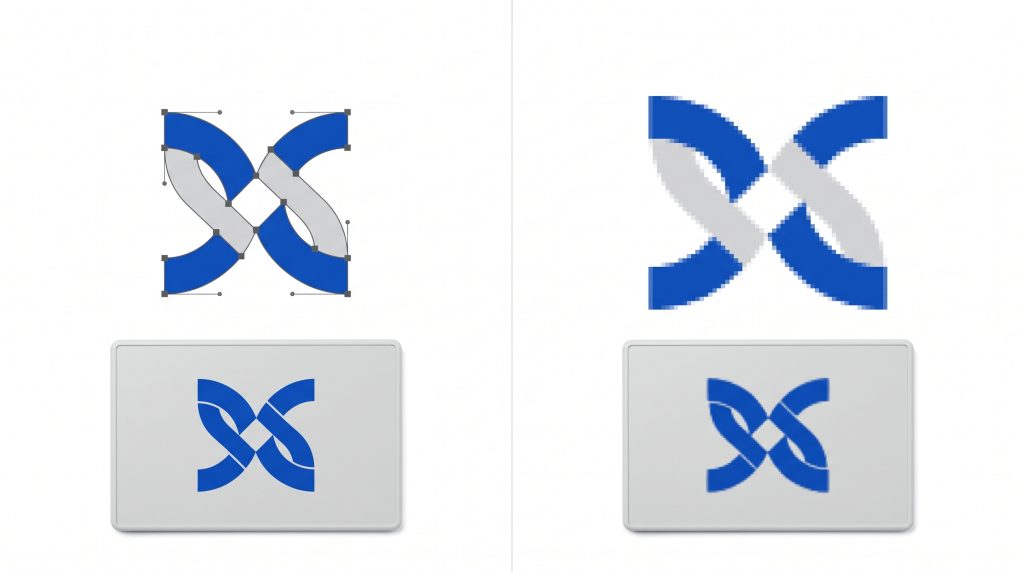
A vector file for screen printing uses paths instead of a fixed pixel grid. It scales cleanly and makes color separation and small corrections more reliable, so logos, symbols, borders and text should remain vector whenever possible.
Set Raster Images at Their Final Printed Size
Use 300 ppi at final print size as a baseline for photographs. Raising a 72 or 96 ppi web image to 300 ppi does not restore detail. Logos and line art should be vector; monochrome raster line art may require 600 ppi or more after review.
Screen printing resolution also depends on the mesh, stencil, ink, substrate and halftone settings. File resolution alone is not a production guarantee.
Define Pantone, CMYK and RGB Colors Correctly
For a critical solid color, provide the complete Pantone or RAL reference or an approved physical sample. Substrate color, opacity, gloss and lighting affect appearance, so the code is a target rather than final proof.
Use CMYK only for an agreed process-color workflow. RGB must be converted and may shift in print. For dark or transparent materials, define the white underbase or backing layer and viewing side.
Each spot color normally becomes a separate screen printing color separation. Name colors consistently; the printer should approve separations, print order, overprints, knockouts and trapping before making screens.
Convert Fonts to Outlines
Outline production text so missing fonts cannot change it. Keep an editable backup, and proofread spelling, model numbers and symbols before outlining.
Flag Very Fine Lines and Small Text
There is no universal minimum line width or text size. Positive lines, reversed-out details, textured materials and opaque inks can require different limits. Flag lines below 0.2 mm and text below 6 pt for review, but do not treat these as guaranteed XYW limits. Submit artwork at 100% size for confirmation.
How to Mark Size, Bleed, Cut Lines, Holes and Windows
Supply a dimensioned drawing or CAD reference with the graphic file, identifying the datum, units and critical tolerances.
Use separate, clearly named layers for:
- Visible printed graphics.
- White underbase or backing colors.
- Finished cut line and external profile.
- Holes, slots and internal cutouts.
- Transparent, tinted or dead-front windows.
- Embossed areas, adhesive-free zones or other functional features when applicable.
- Dimensions and notes that must not print.
Cut lines and windows should be vector paths. Extend backgrounds by the bleed requested by the printer; do not assume a generic packaging bleed applies. For reverse printing, identify the viewing and printing sides so the artwork is not mirrored incorrectly.
What Information Is Required for a Quote and Sample?
To quote and select a process, provide:
- Material grade, thickness, color and finish, or a representative part.
- Finished size, print area and dimensioned drawing.
- Artwork, number of colors and color references.
- Prototype quantity, production quantity and expected repeat volume.
- Print side, viewing side and white-backing or opacity requirements.
- Indoor or outdoor use, wear, cleaners, chemicals and temperature exposure.
- Required tests and acceptance criteria.
Submit these details through the XYW contact page instead of sending only a logo and asking for a price.
How Artwork and Samples Are Approved Before Production
Approval should move through three distinct stages:
- Electronic artwork proof: Confirm text, dimensions, print position, color names, separations, viewing side and revision. It does not approve exact printed color or adhesion.
- Physical sample: Use the production material or a documented equivalent with the proposed ink and cure. Check color, opacity, registration, detail, adhesion and required performance.
- Signed production reference: Retain a dated sample or inspection record tied to the approved artwork, material and criteria.
Changes to material, artwork, dimensions, ink, color or process require review. For critical products, ask the screen printing team whether a new sample or test is needed.
Frequently Asked Questions
Can I send a PNG logo for screen printing?
Yes, if it is large and clean at final size. Vector AI, EPS, PDF or SVG is preferable for logos and color separation; a small web PNG may need redrawing.
Is a PDF always a vector file?
No. A PDF may contain vectors, text, raster images or a flattened screenshot. The printer should inspect its structure before production.
What resolution is required for screen printing?
Use 300 ppi at final size for photographs and vectors for logos, line art and text. Reproducible detail also depends on the process and material.
Should I send RGB, CMYK or Pantone colors?
Use Pantone or another approved reference for critical spot colors. CMYK requires an agreed process workflow; RGB must be converted. Identify white ink on dark or transparent materials.
Does approval of a digital proof authorize mass production?
Only if the agreed process says so. A digital proof confirms content and layout, not final color, adhesion, opacity or wear. Critical work should use a physical sample and controlled reference.
Ready for an artwork review?
Send us your artwork, material, finished size, print size, color references, quantity and end-use requirements. We will review the file and identify what must be corrected or confirmed before sampling.