
When engineers design the user interface for a machine or electronic product, one of the first questions is often: what is a graphic overlay, and how is it different from an ordinary label?
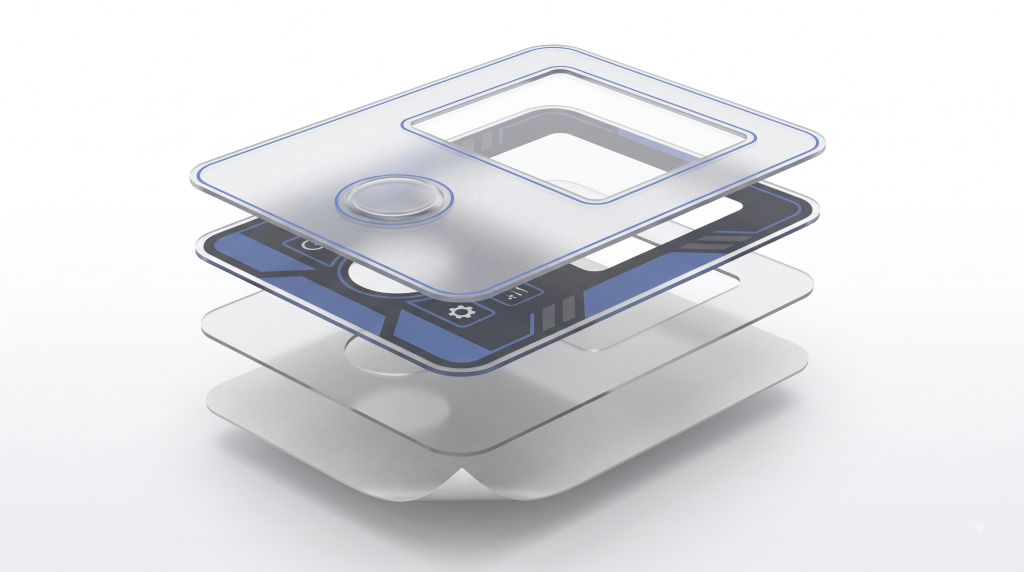
A graphic overlay is a printed plastic interface layer placed on the front of equipment, a control panel or a membrane switch assembly. It communicates operating information through text, symbols, colors and transparent display windows. It can also protect the controls beneath it from routine contact, dust, moisture and cleaning, depending on the complete panel construction.
Unlike a basic product label, a custom graphic overlay may include transparent or tinted windows, embossed buttons, selective textures, adhesive zones, cutouts and precise registration with switches or displays. It is therefore both a visual component and an engineered part of the product interface.
Many graphic overlays are reverse printed, also called second-surface or subsurface printed. The graphics are printed on the back of a transparent PC or PET film, so the film itself protects the ink from direct abrasion. Surface printing is also possible for certain constructions and finishes, so the printing side should be confirmed during design review rather than assumed.
How Is a Graphic Overlay Constructed?
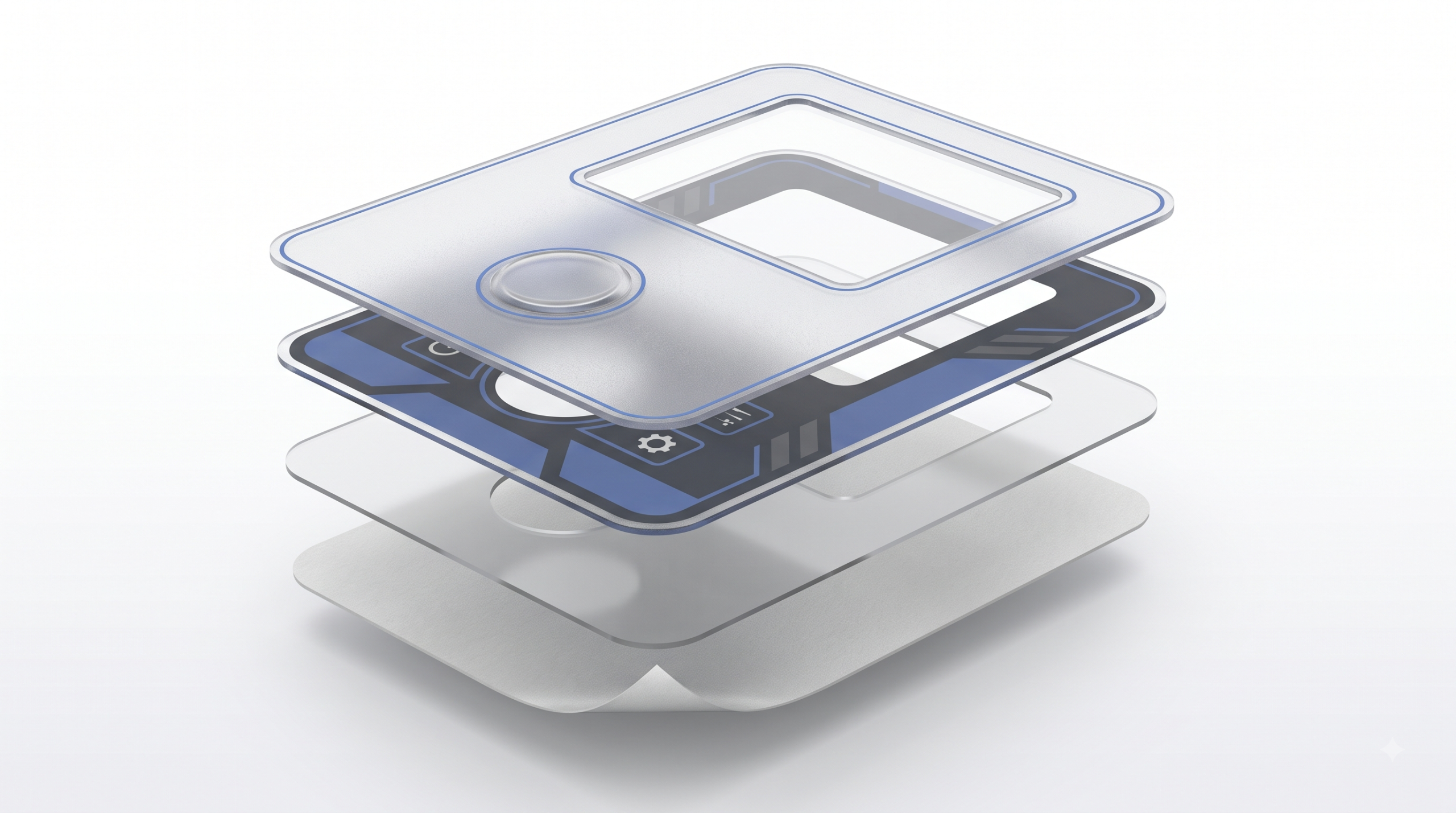
A typical reverse-printed graphic overlay may contain the following layers:
- Transparent substrate: Usually polycarbonate (PC) or polyester (PET), selected according to appearance, flexibility, chemical exposure and operating conditions.
- Reverse-printed graphics: Text, symbols, backgrounds and color layers printed on the rear surface of the film.
- Functional windows or coatings: Clear, tinted, anti-glare or dead-front display areas may be incorporated where required.
- Pressure-sensitive adhesive: Selected to match the equipment housing, surface energy, texture, temperature and environmental exposure.
- Release liner: Protects the adhesive before installation and is removed during assembly.
Not every overlay uses the same stack. Embossing, spacers, selective adhesives, shielding layers and other features may be added depending on whether the overlay is a standalone decorative panel or part of a membrane switch.
Graphic Overlay vs. Label vs. Membrane Switch
| Component | Primary function | Typical features |
|---|---|---|
| Graphic overlay | Visual and protective user-interface layer | Printed legends, windows, embossing, texture, adhesive and cutouts |
| Product label | Identification, instructions or branding | Printed information, adhesive backing and usually a simpler construction |
| Membrane switch | Electrical switching assembly | Graphic overlay plus circuit layers, spacers, contacts and a rear adhesive |
A graphic overlay can be used on its own over mechanical controls, or it can form the top layer of a complete membrane switch. The terms should not be used interchangeably when preparing drawings or requesting a quote.
Polycarbonate vs. Polyester Graphic Overlays
The substrate has a major influence on the appearance, durability and feel of the finished interface. Polycarbonate and polyester are the two materials most commonly considered, but performance varies by film grade, thickness, coating and construction.
| Design consideration | Polycarbonate (PC) | Polyester (PET) |
|---|---|---|
| Optical appearance | Available in clear and textured grades; commonly selected for display windows and decorative panels | Available in clear and textured grades; optical performance depends on the selected film |
| Flex and fatigue resistance | Suitable for many static panels and moderate-use interfaces | Often preferred for frequently operated embossed buttons because of its flex-fatigue performance |
| Chemical resistance | Grade-dependent; compatibility must be checked against actual cleaners and chemicals | Often offers stronger resistance to many industrial chemicals, but testing is still required |
| Forming and processing | Generally easier to print, emboss and process | May require tighter control of tooling and forming conditions |
| Typical use | Display panels, appliance interfaces, decorative panels and equipment nameplates | Frequently operated controls, industrial interfaces and applications involving repeated cleaning |
When to Choose Polycarbonate
A polycarbonate graphic overlay can be a practical choice when the design emphasizes clear display windows, dimensional stability, straightforward processing or cost control. It is widely used for appliance panels, equipment interfaces and decorative control surfaces.
When to Choose Polyester
A polyester graphic overlay is often selected when buttons will be operated repeatedly or when the interface may be exposed to oils, cleaners or other chemicals. The exact film should still be evaluated against the real chemical, temperature and flex requirements of the product.
There is no universal winner. The right decision should be based on the film grade, thickness, button construction, cleaning procedure, expected service life and end-use environment. Prototype testing is preferable to relying on a generic cycle-life number.
Key Graphic Overlay Design Elements
A functional overlay is more than artwork printed on a plastic sheet. Its visual features must align with the mechanical and electronic components beneath it.
Surface Textures and Finishes
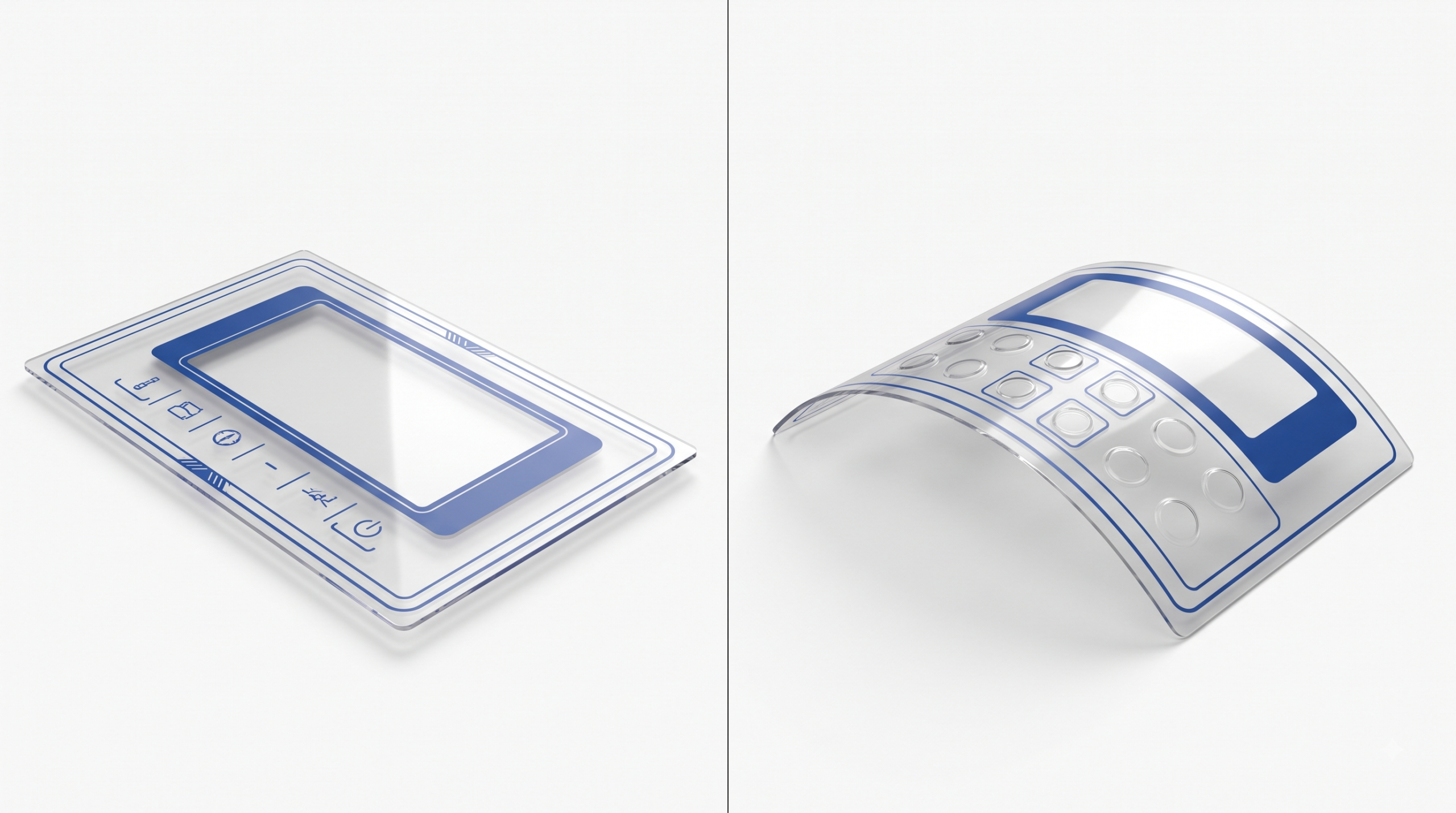
Glossy surfaces provide a clean, high-contrast appearance, while matte or textured surfaces can reduce glare and make fingerprints less visible. Selective finishing can keep the main panel matte while preserving a clear or glossy display window.
Texture selection should also consider cleaning, readability and the visual standard of the finished product. A finish that looks attractive in a sample may behave differently under production lighting or repeated handling.
Clear, Tinted and Dead-Front Windows
An overlay positioned over an LCD, LED or indicator may require a functional display window:
- Clear window: Prioritizes light transmission and display visibility.
- Anti-glare window: Helps reduce reflections in bright working environments.
- Tinted window: Filters the appearance of the display or helps match the panel design.
- Dead-front window: Appears dark when the display is off and reveals illuminated information when backlit.
The window color, opacity and light transmission should be approved using the actual display whenever possible. A digital proof alone cannot fully predict the final backlit appearance.
Embossed Button Areas
Embossing helps users locate a control by touch and can improve tactile definition. Common forms include:
- Pillow embossing: Raises the complete button area.
- Rim embossing: Raises only the perimeter of the button.
- Dome embossing: Forms a domed button area for a specific tactile construction.
Embossing depth, button size, film material and switch design must be considered together. Excessive forming can stress the film or affect graphic registration.
Adhesives, Cutouts and Registration
The adhesive should be selected according to the mounting surface, surface energy, roughness, temperature, moisture, chemical exposure and required service life. A thicker adhesive is not automatically suitable for every textured surface; representative bonding tests are the safer way to confirm performance.
Cutouts may be required for mechanical buttons, connectors, fasteners, knobs or ventilation. Prototype quantities may be digitally cut, while production quantities may use dedicated tooling or another suitable cutting process. The supplier should recommend the process after reviewing dimensions, tolerances and order volume.
Screen Printing vs. UV Digital Printing for Graphic Overlays
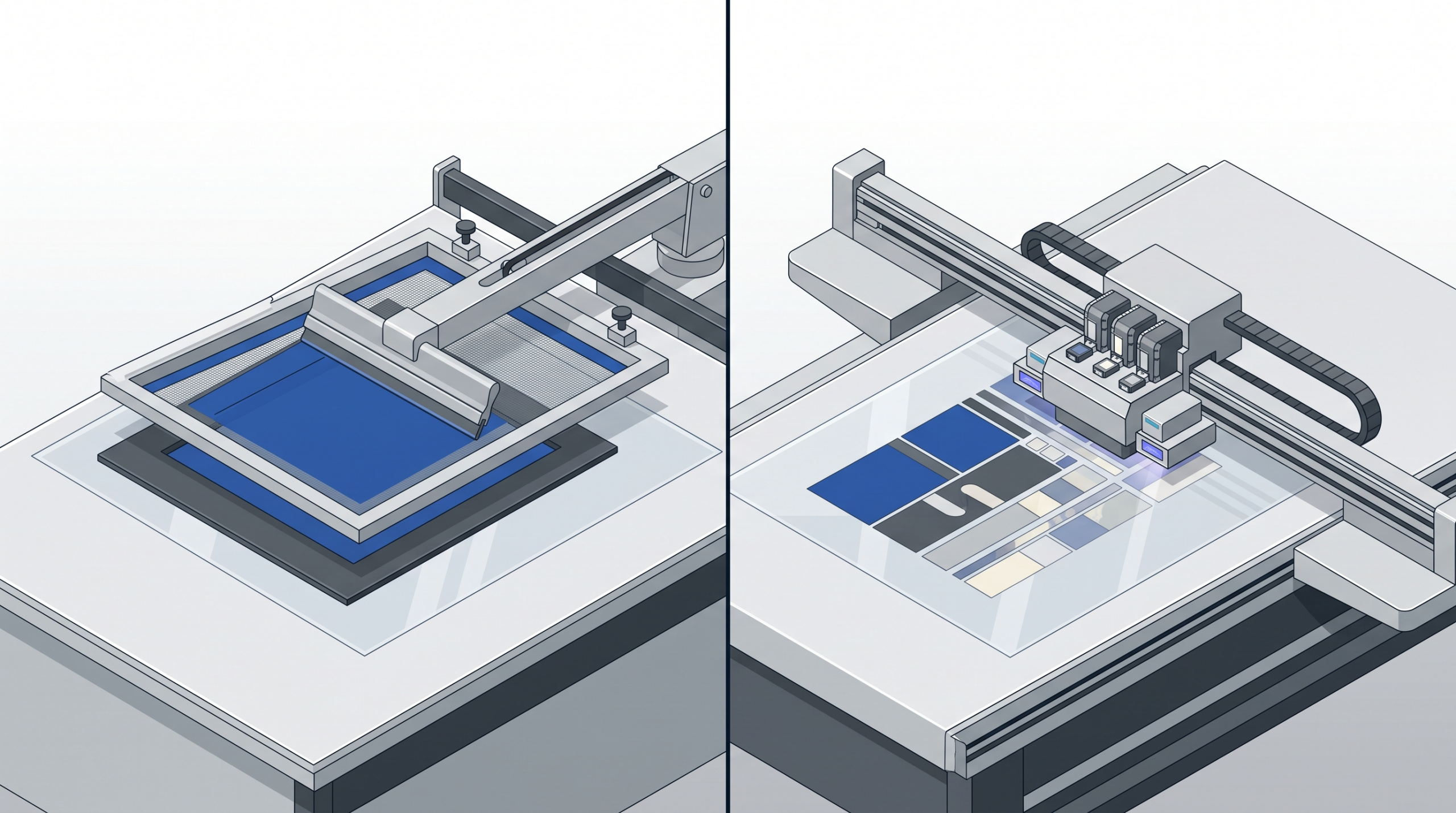
The printing method affects color control, opacity, graphic complexity, setup cost and production efficiency. Both screen printing and UV digital printing can be useful, but the process must be compatible with the chosen film and overlay construction.
| Factor | Screen printing | UV digital printing |
|---|---|---|
| Color method | Spot colors mixed to specification | Usually digital CMYK plus optional white or other supported channels |
| Best suited to | Solid colors, precise brand colors, high opacity and repeat production | Detailed multicolor artwork, gradients, variable graphics and low-volume development |
| Setup | Requires screens and setup for each color | Does not require a screen for each color |
| Production economics | Often becomes more efficient as repeat volume increases | Often practical for prototypes and shorter runs |
| Color matching | Strong control of specified spot colors when properly managed | Process-color matching may differ from a specified spot color |
| Ink compatibility | Must be matched to the substrate and end use | Must be validated for adhesion, flexibility and the selected print side |
When Screen Printing Is a Strong Choice
Screen printing is commonly selected for industrial overlays that require solid spot colors, controlled opacity and repeatable production. It can also build opaque backing layers and high-contrast legends. Each additional color generally adds screens, registration work and setup, so artwork design and volume both affect cost.
Learn more about XYW’s screen printing services.
When UV Digital Printing Is a Strong Choice
UV digital printing can be useful for prototypes, shorter runs and artwork containing gradients, photographic elements or many colors. Before approving it for a functional overlay, the supplier should verify adhesion, bending or embossing compatibility, opacity and resistance to the intended cleaning process.
Learn more about XYW’s UV printing services.
The final choice should not be based on image resolution alone. Quantity, color requirements, film type, print side, embossing, chemical exposure and expected appearance all matter.
Common Graphic Overlay Applications
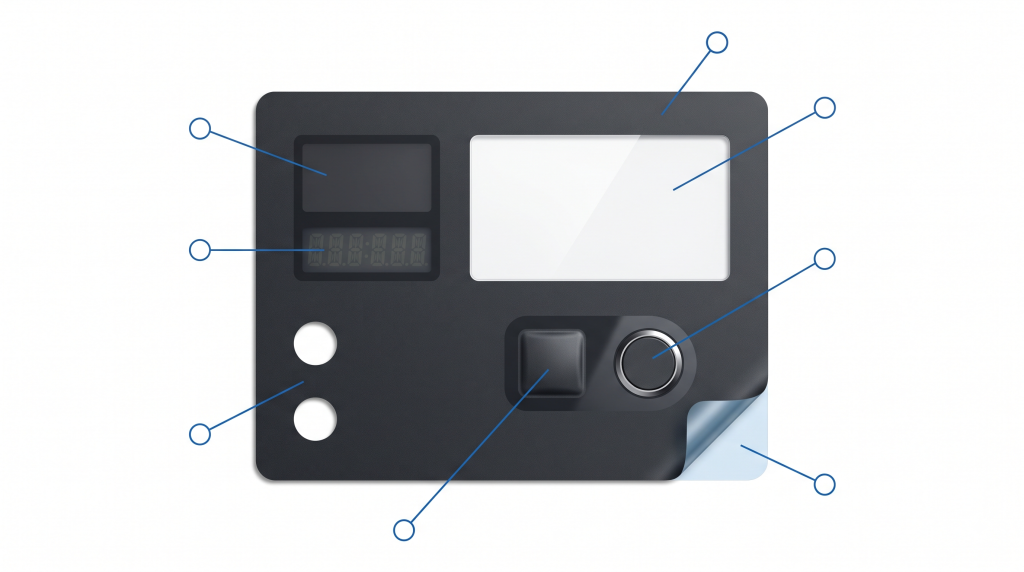
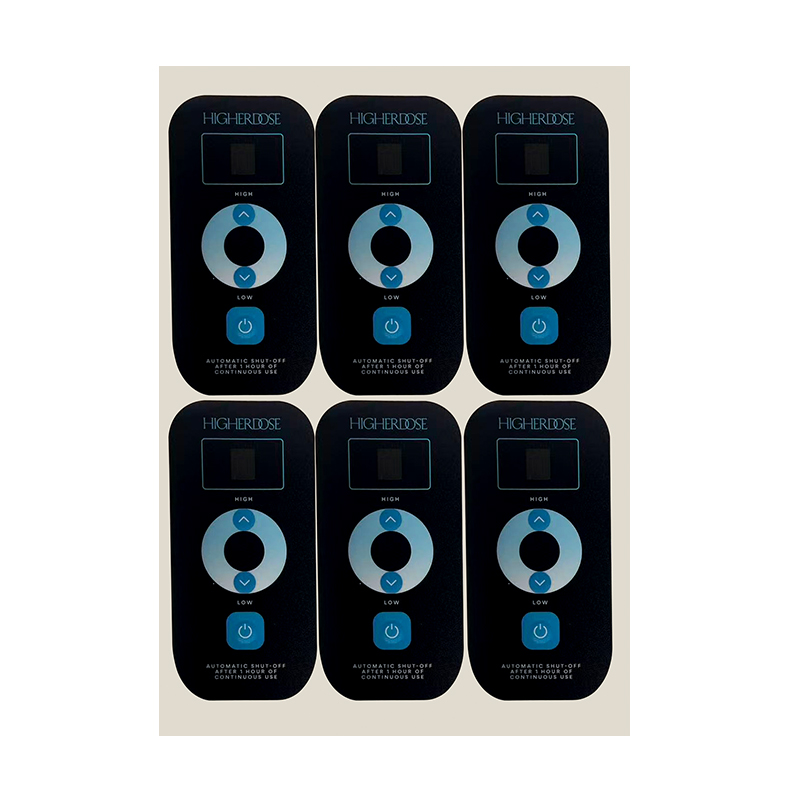
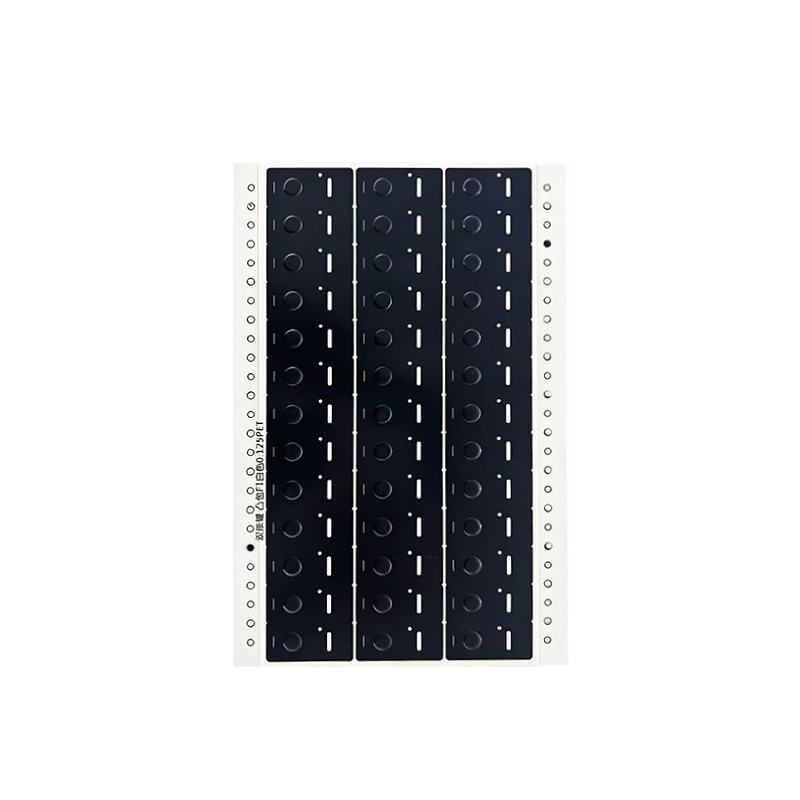
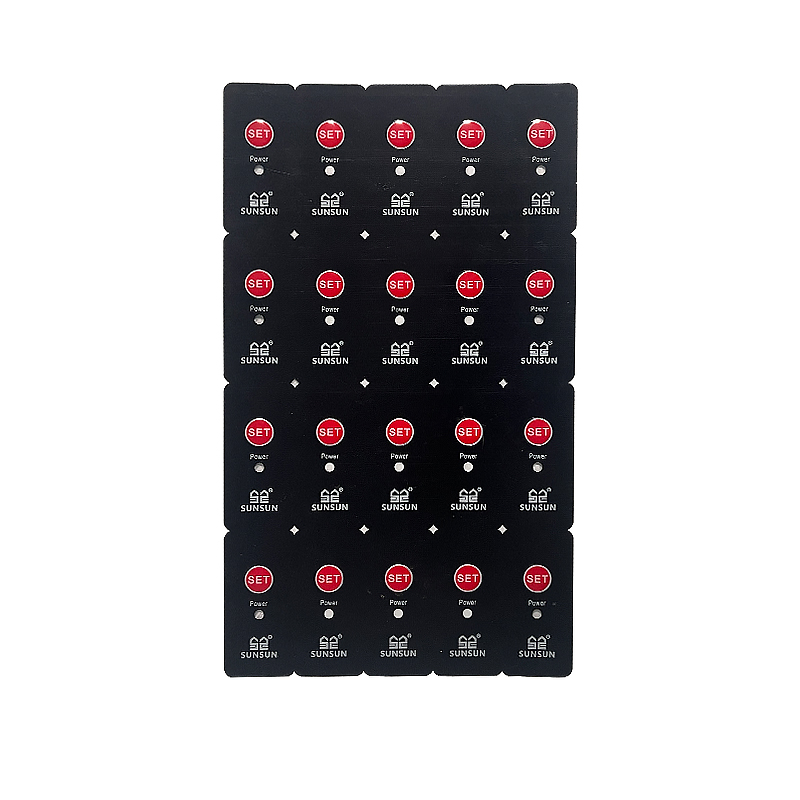
Custom graphic overlays are used wherever a product needs a durable, clearly organized operating interface. Typical applications include:
- Industrial equipment: Machine controls, factory instruments, test equipment and automation interfaces.
- Home and commercial appliances: Coffee machines, cooking appliances, cleaning equipment and environmental controls.
- Medical and laboratory equipment: Interfaces that may require frequent cleaning and clearly differentiated controls. Material and cleaning compatibility must be validated for the specific application.
- Automotive and transportation equipment: Instrument faces and control surfaces that may require environmental and light-exposure testing.
- Consumer and electronic products: Display panels, touch-control interfaces and branded decorative surfaces.
Real product photographs are more persuasive here than generated images. Use your own examples only when you have permission to display the design and brand. Blur or remove customer logos if authorization has not been granted.
What Information Is Needed for a Graphic Overlay Quote?
Providing complete information allows the manufacturer to evaluate the construction and quote more accurately. Prepare the following items where possible:
- Dimensioned drawing: Overall size, corner radii, holes, cutouts, windows and critical tolerances.
- Artwork files: Editable AI, EPS, PDF or another agreed vector format, with fonts outlined and colors identified.
- Material requirement: Preferred PC or PET grade and thickness, if already specified. If not, describe the end use so the supplier can recommend options.
- Color references: Pantone, RAL, approved physical sample or another controlled reference.
- Surface and window requirements: Gloss, matte, texture, clear, tinted, anti-glare or dead-front areas.
- Embossing details: Button shape, dimensions, height and alignment with the switch beneath it.
- Mounting surface: Housing material, coating, texture and available bonding area.
- Operating environment: Indoor or outdoor use, temperature, humidity, cleaners, oils, chemicals and UV exposure.
- Order volume: Prototype quantity, batch quantity and estimated annual usage.
- Quality or test requirements: Adhesion, abrasion, chemical, color, dimensional or environmental tests required by your project.
If the design is still being developed, send the product drawing, interface layout and intended operating conditions first. A manufacturing review can identify potential issues before tooling or mass production begins.
Graphic Overlay Design Checklist
Before releasing the design for quotation or sampling, confirm that:
- All dimensions and tolerances are defined.
- Display windows align with the actual display.
- Buttons align with the switches beneath them.
- Colors have an agreed reference standard.
- The film and adhesive match the use environment.
- Embossed areas have sufficient clearance.
- The print side and viewing side are clearly identified.
- Customer logos and regulatory marks are authorized.
- A prototype test plan is defined for critical applications.
Frequently Asked Questions
Is a graphic overlay the same as a membrane switch?
No. A graphic overlay is the visual and protective top layer. A membrane switch is a complete electrical switching assembly that may include an overlay, spacers, circuit layers and contacts. A graphic overlay can also be used without a membrane switch.
Are graphic overlays always reverse printed?
No, although reverse printing is common because the transparent film protects the graphics from direct contact. Surface printing may be used for certain materials, finishes or constructions. The correct print side depends on the design and process.
Which is better for a graphic overlay, PC or PET?
Neither material is best for every project. PC is often selected for processing flexibility and visual applications, while PET is often preferred for repeated flexing and stronger chemical-resistance requirements. The film grade and finished construction should be tested under actual use conditions.
What file format should I provide?
Editable vector artwork such as AI, EPS or an agreed PDF is usually preferred. Include dimensions, color references, window definitions, cut lines and embossing details. CAD files may also be needed for mechanical features.
Can a graphic overlay be used outdoors?
Yes, if the complete construction is designed and validated for outdoor exposure. Film grade, ink, adhesive, color, sealing and expected UV, moisture and temperature exposure all need to be considered.
Ready to Review Your Graphic Overlay Project?
The performance of a graphic overlay depends on more than its printed appearance. Material, ink, windows, embossing, adhesive, mounting surface and operating conditions must work together as one construction.
Send XYW your overlay drawing, artwork, material requirements, application environment and estimated quantity. Our team can review the project and recommend a practical printing and manufacturing approach before sampling.